


Super-i 每个人都可以成为超级个体
想高效产出专业级游戏鼠标产品 CG?借助 AI 工具,能轻松实现 “从创意提示词(Prompt)到动态视频” 的全流程创作!本教程将带大家用 Midjourney 生成初始图像、用 即梦 4.0/Nano Banana 微调细节、最终剪辑成完整视频,并深度拆解每段提示词的设计思路~
步骤 1:Midjourney 生图+nano banana主体替换
第一步:Prompt:主体
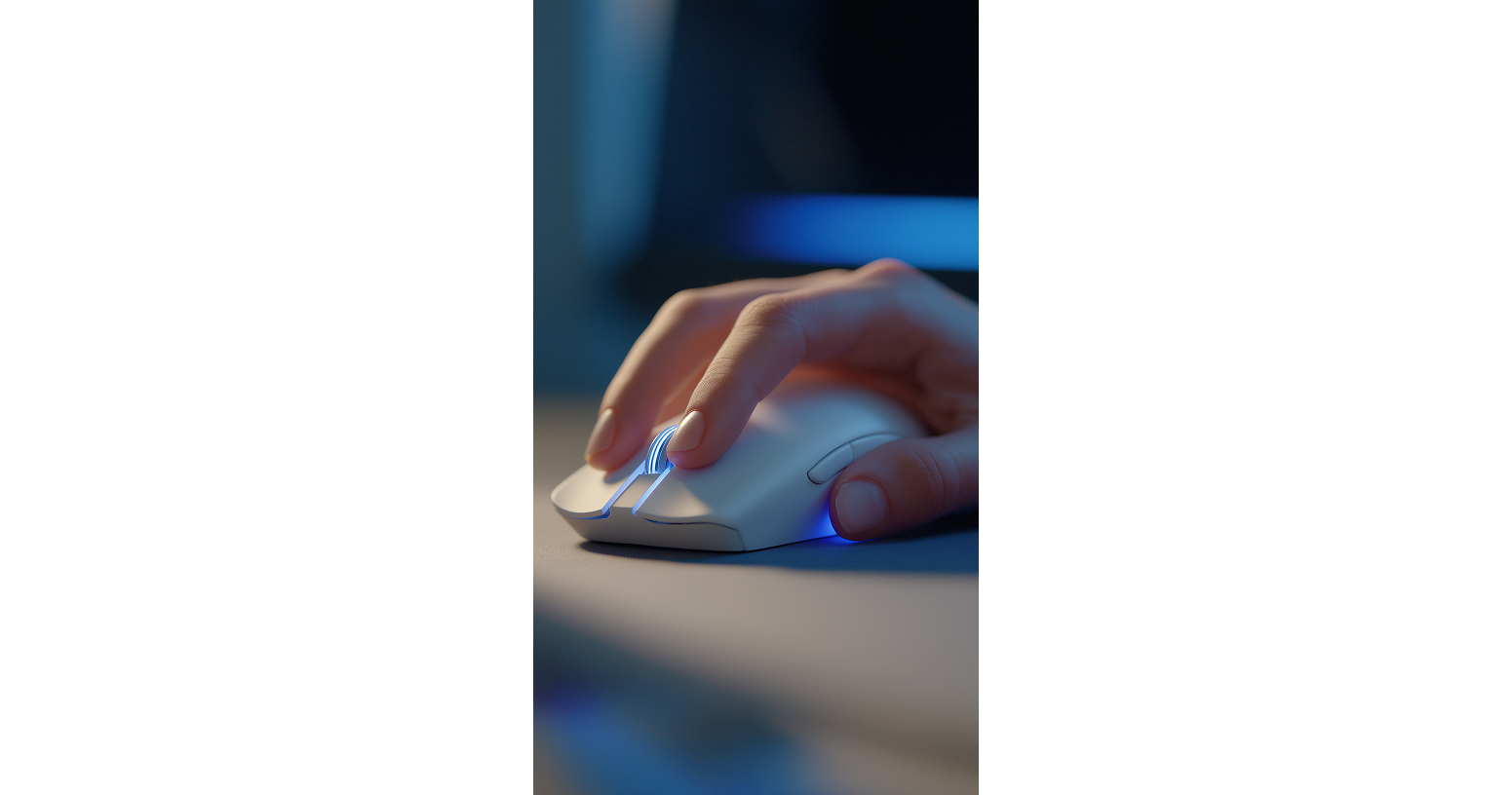
先通过以下提示词进行ai抽奖,对生成图片中鼠标进行筛选,寻找合适的鼠标,最终得到以下这张图片
close up of a hand on white gamer mouse, dynamic focus, shallow depth of field, hints of Blue lighting
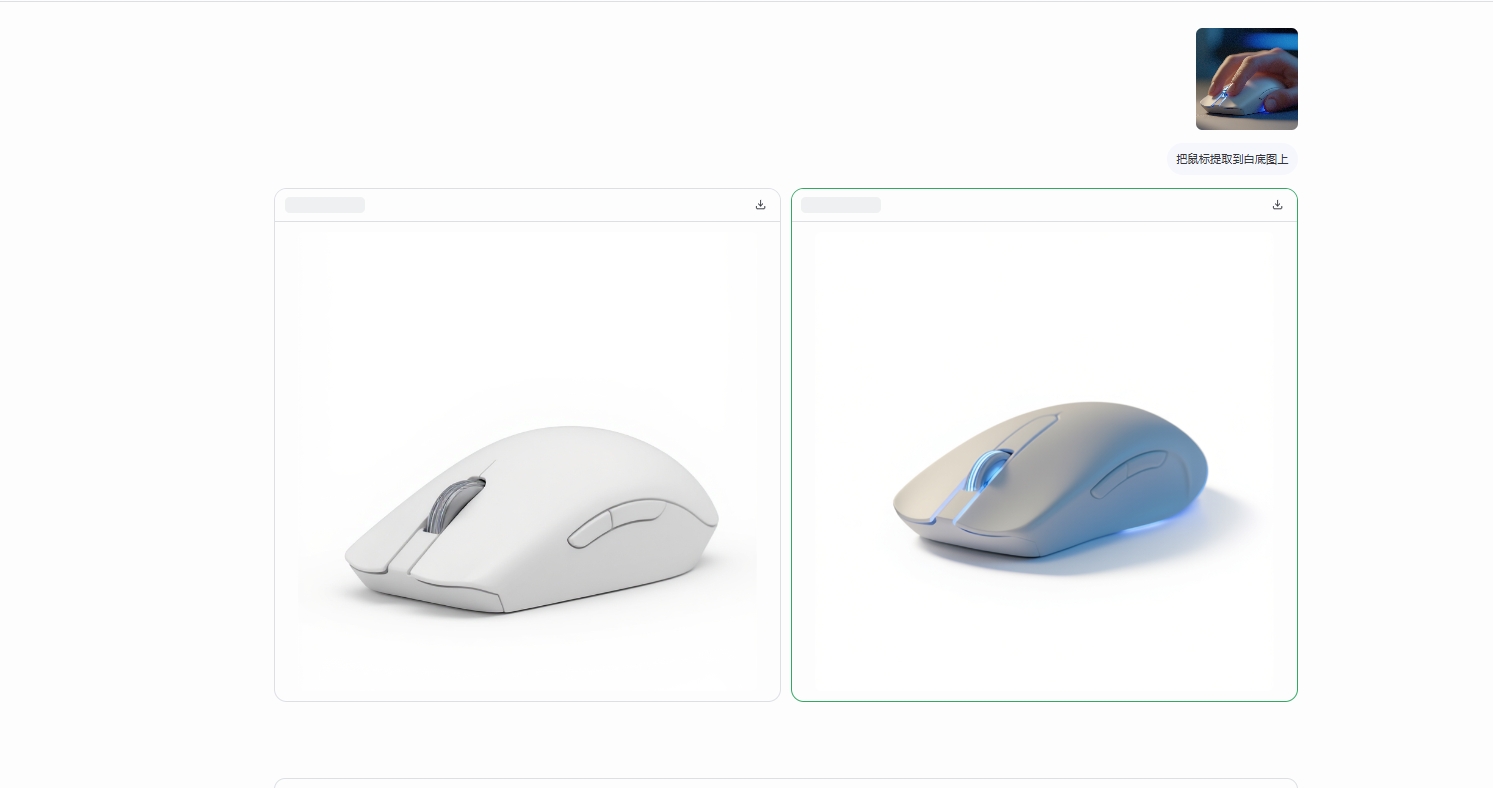
第二步:使用 nano banana 把鼠标独立出来
直接上传图片,使用大白话“把鼠标提取到白底图上”这样,鼠标便可在白底图上独立呈现。
第三步:首帧生成
该环节中会使用到midjourney中的Omni Reference功能,可以进行主体参考生图

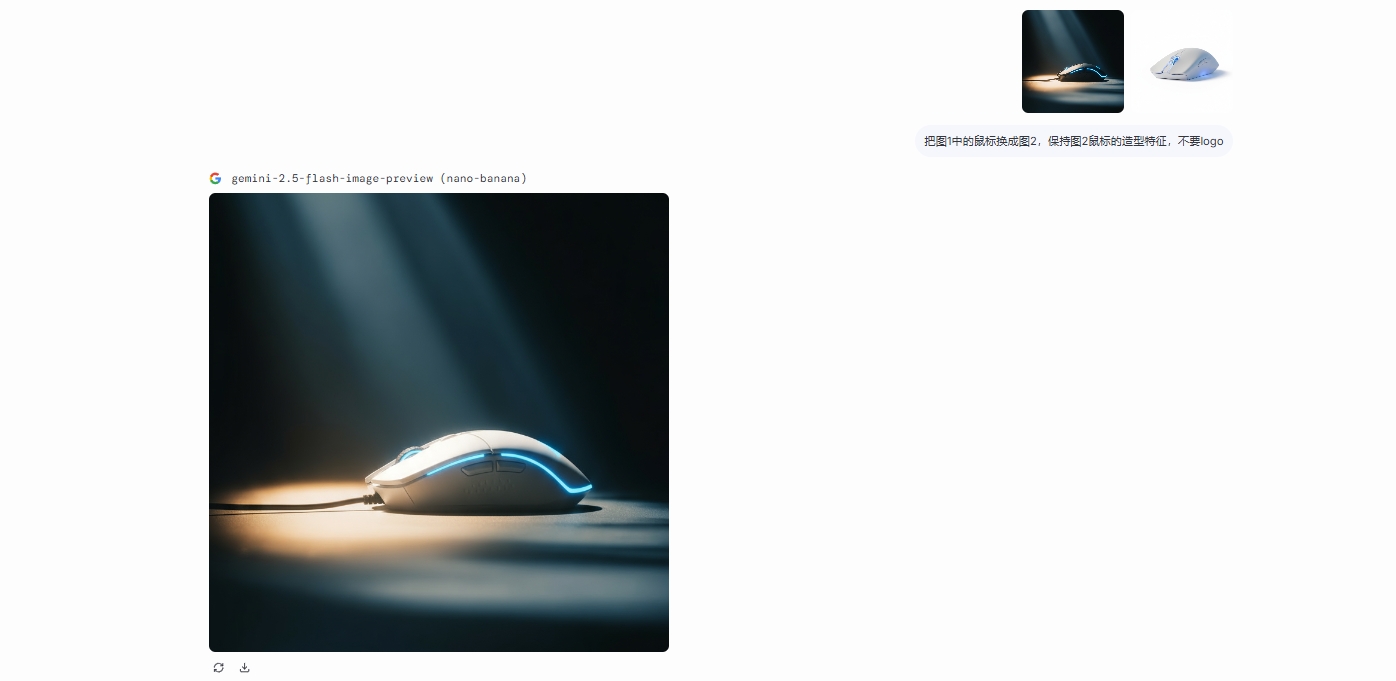
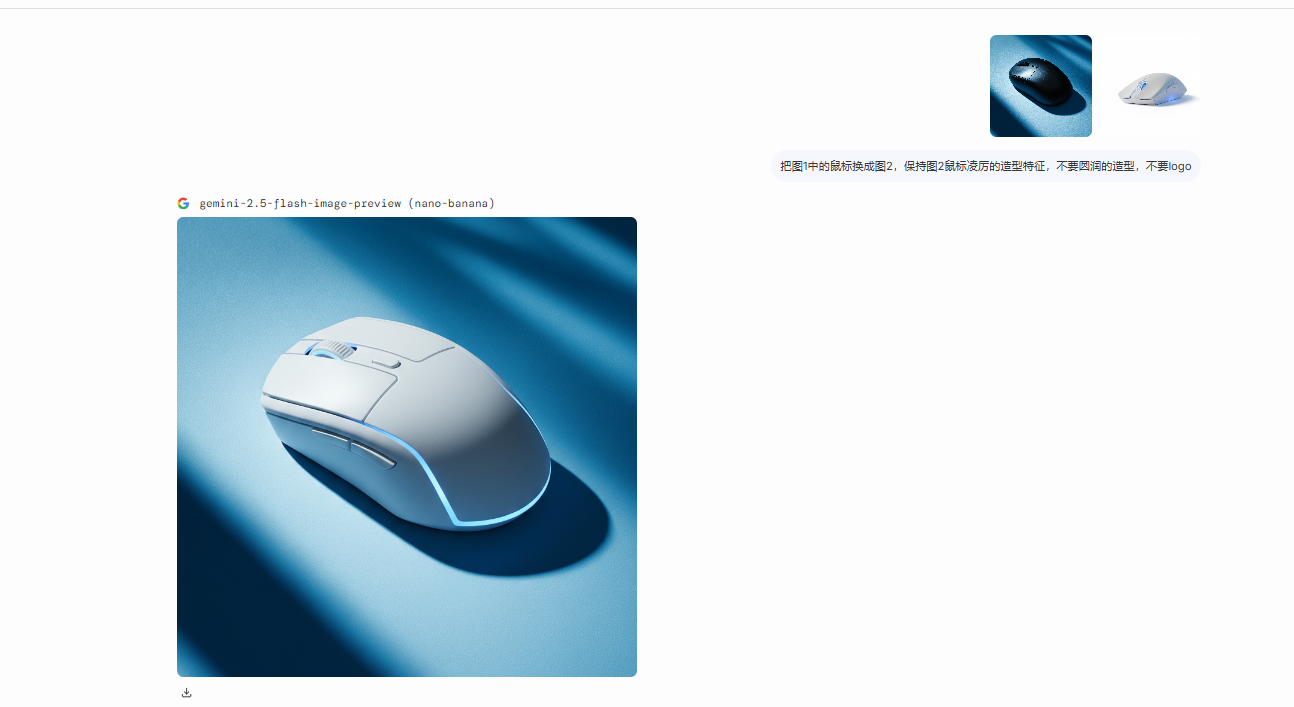
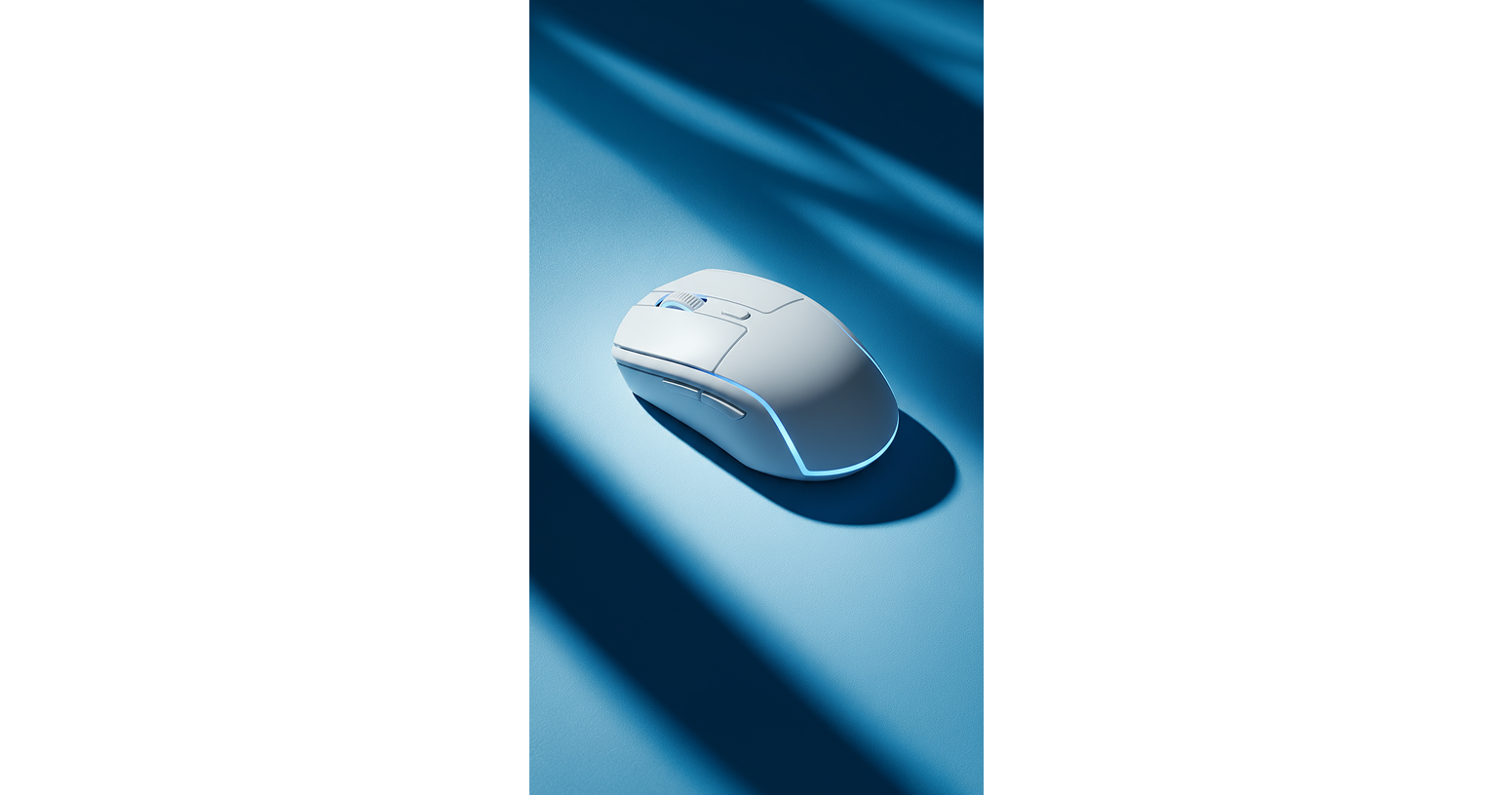
也会使用到nano banana进行主体替换
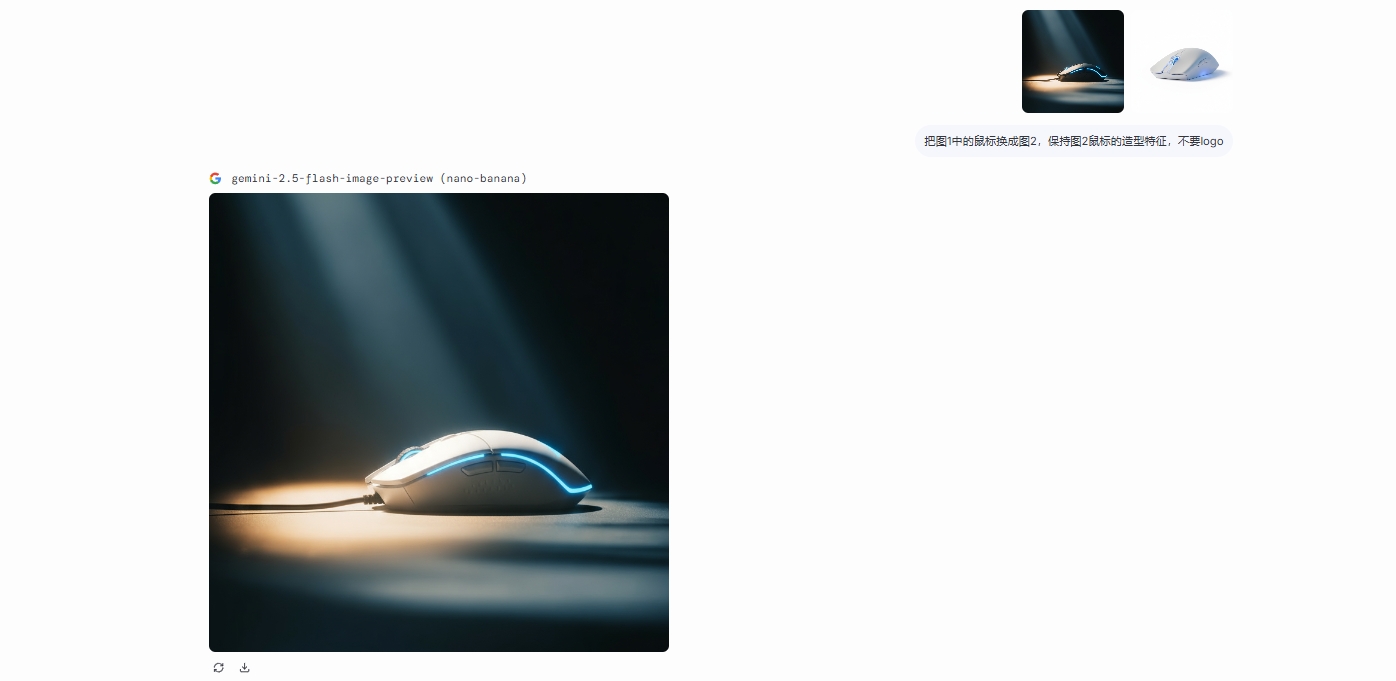
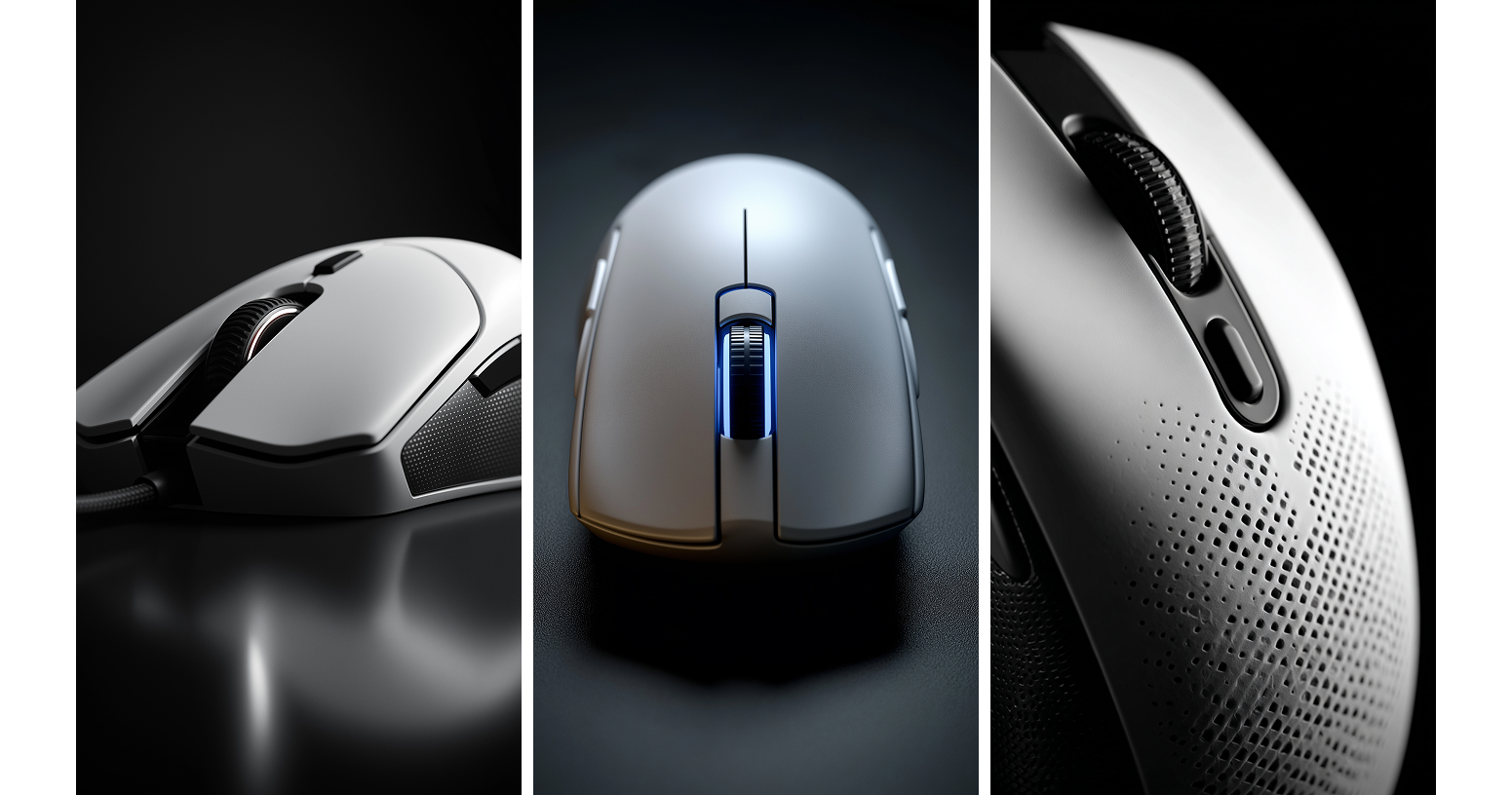
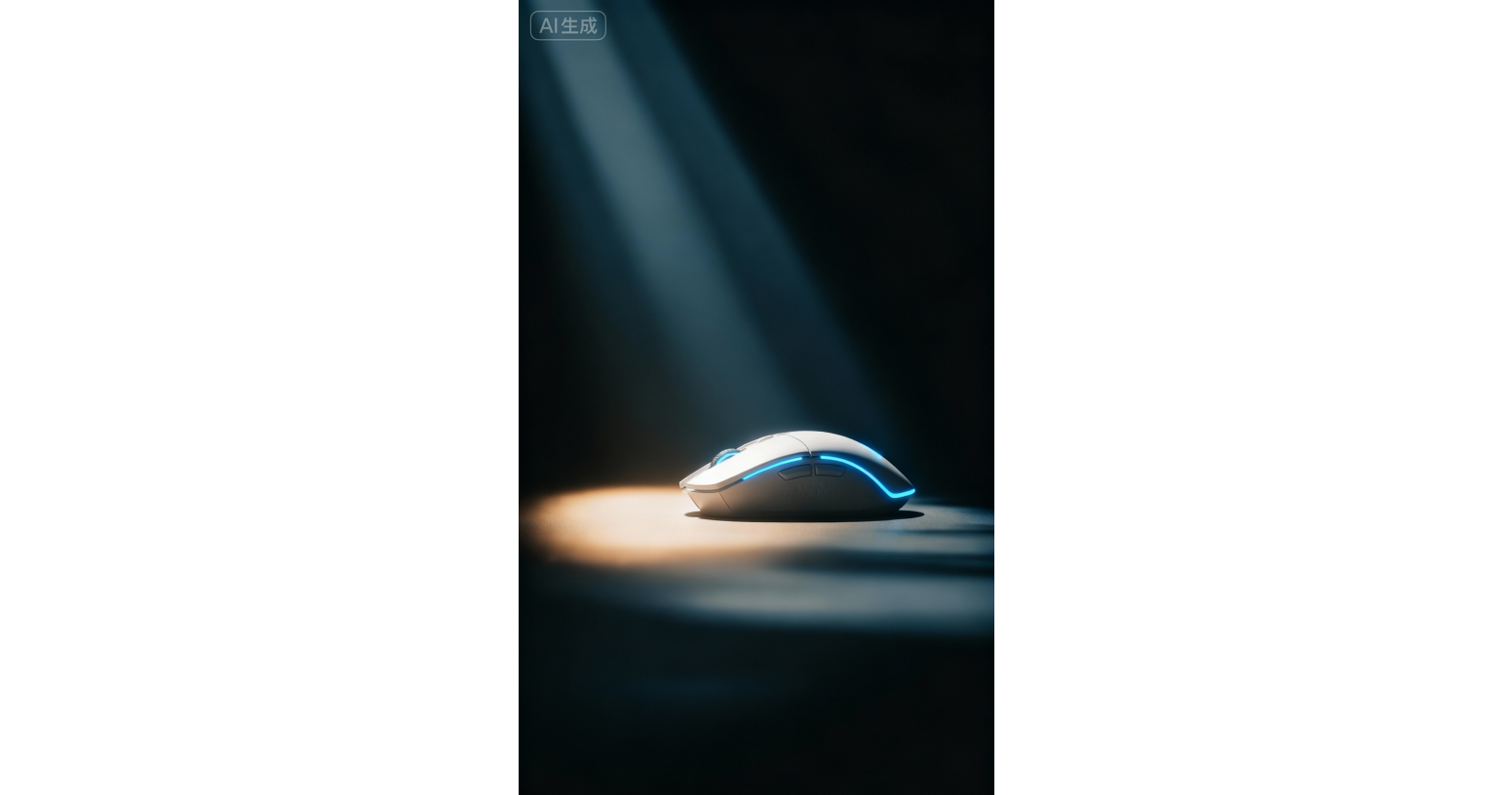
(1)Prompt 1:艺术感黑白特写
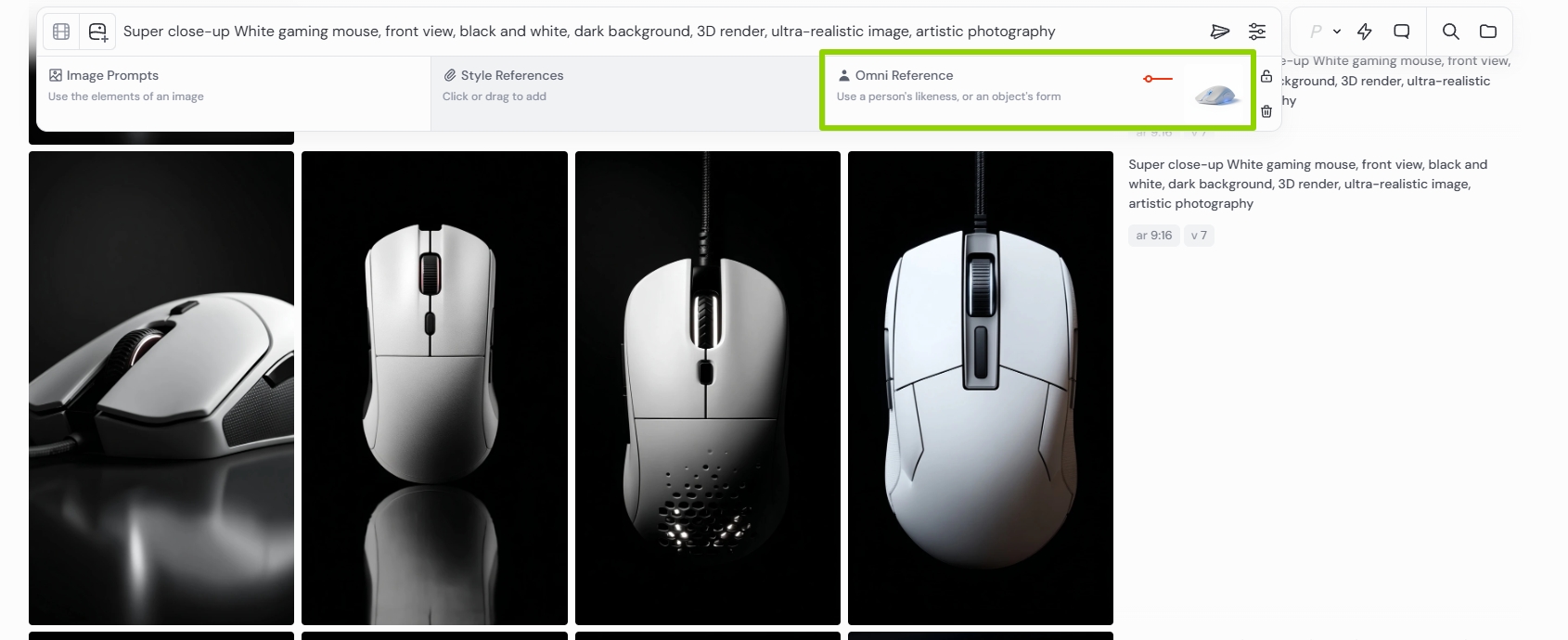
Super close-up White gaming mouse, front view, black and white, dark background, 3D render, ultra-realistic image, artistic photography
(2)Prompt 2:
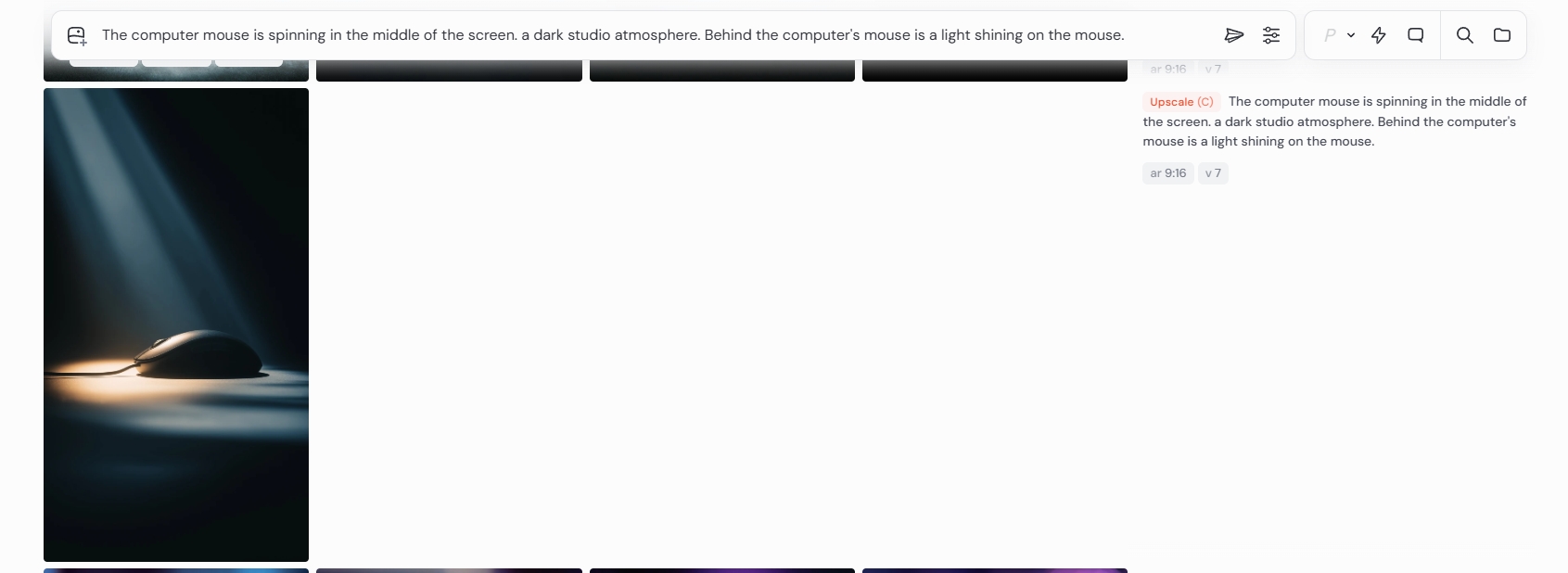
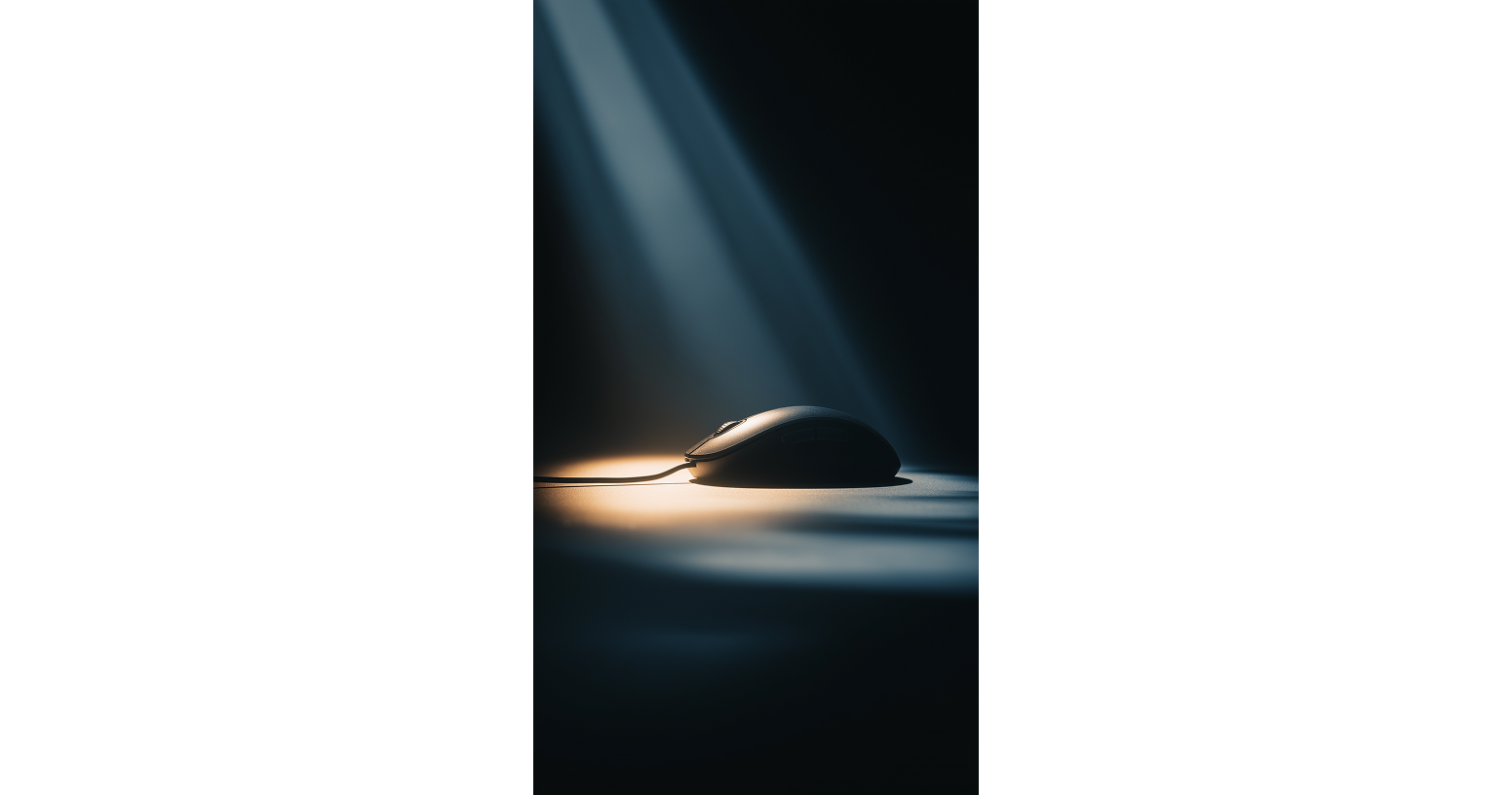
The computer mouse is spinning in the middle of the screen. a dark studio atmosphere. Behind the computer's mouse is a light shining on the mouse.
(3)Prompt 3:未来感悬浮展示
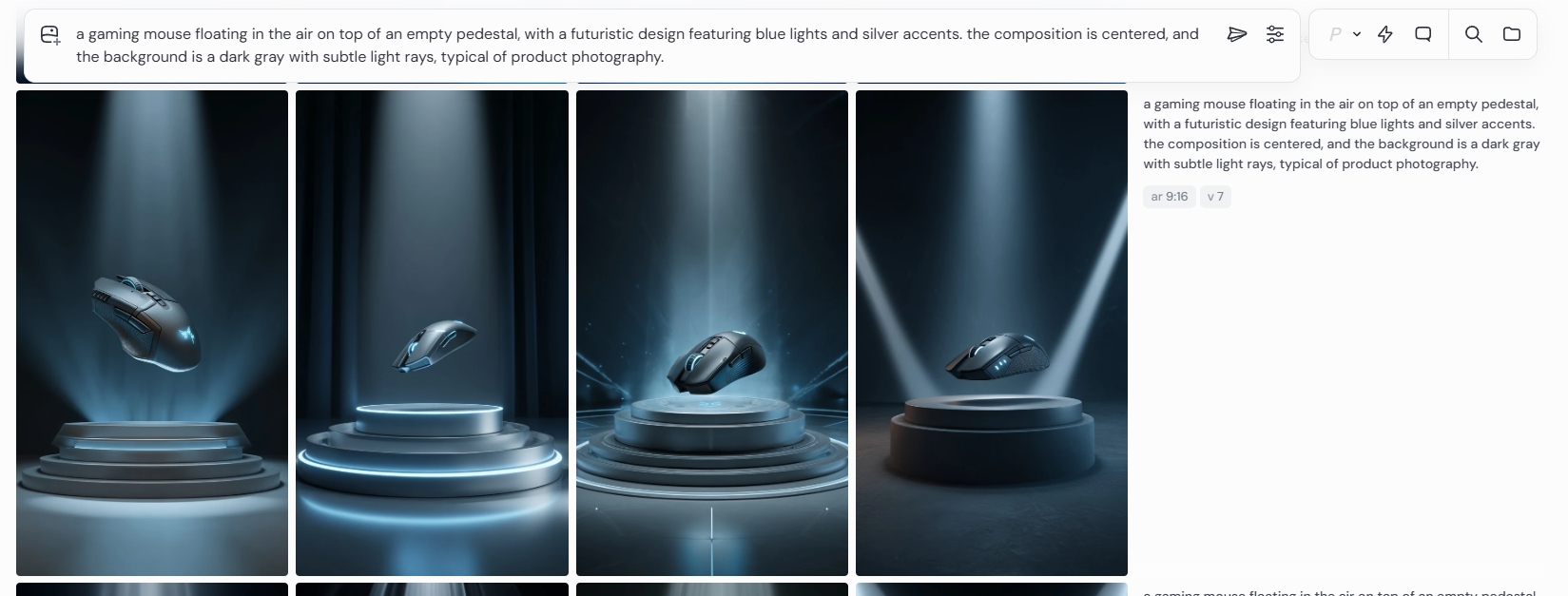
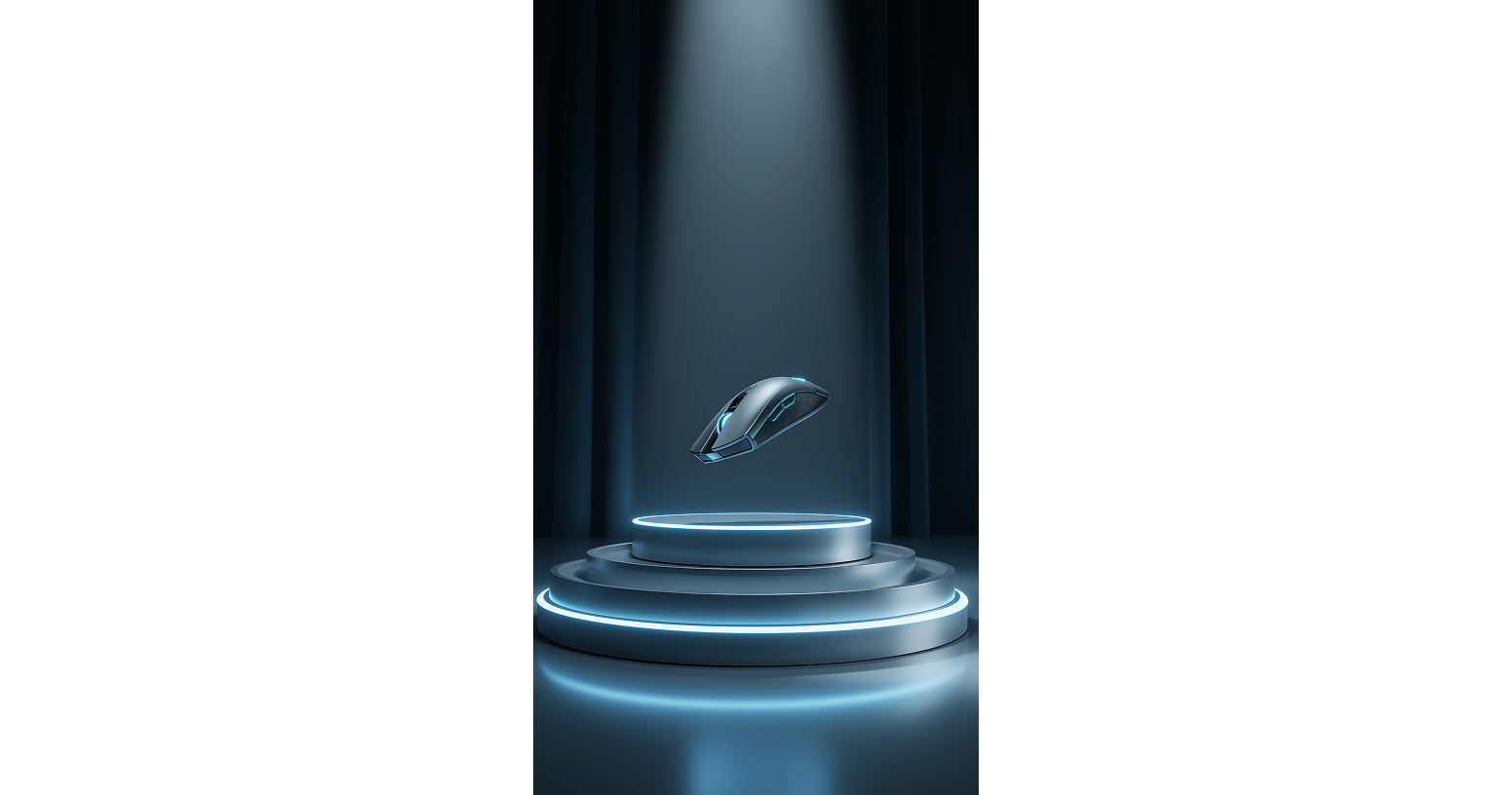
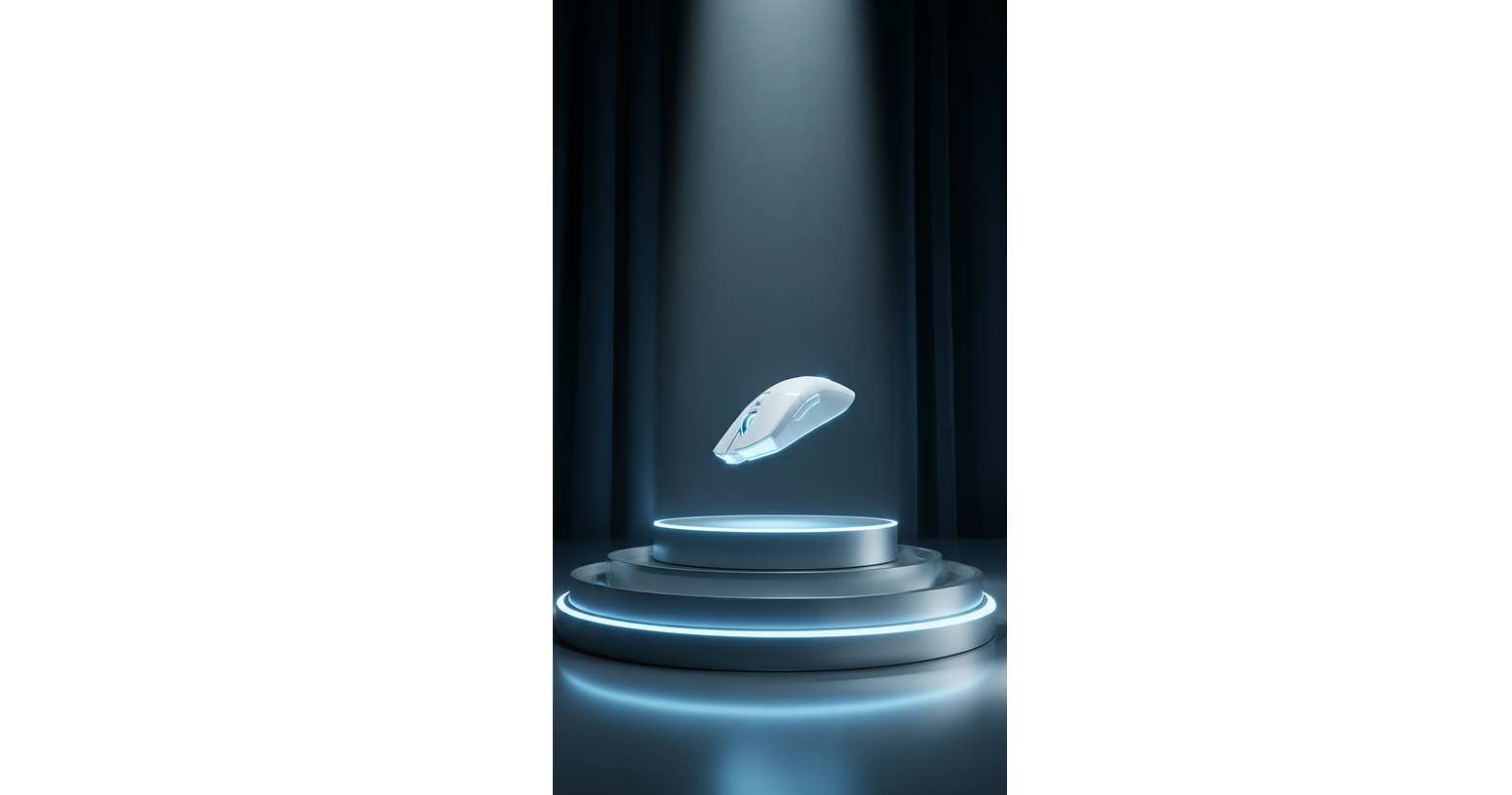
a gaming mouse floating in the air on top of an empty pedestal, with a futuristic design featuring blue lights and silver accents. the composition is centered, and the background is a dark gray with subtle light rays, typical of product photography.
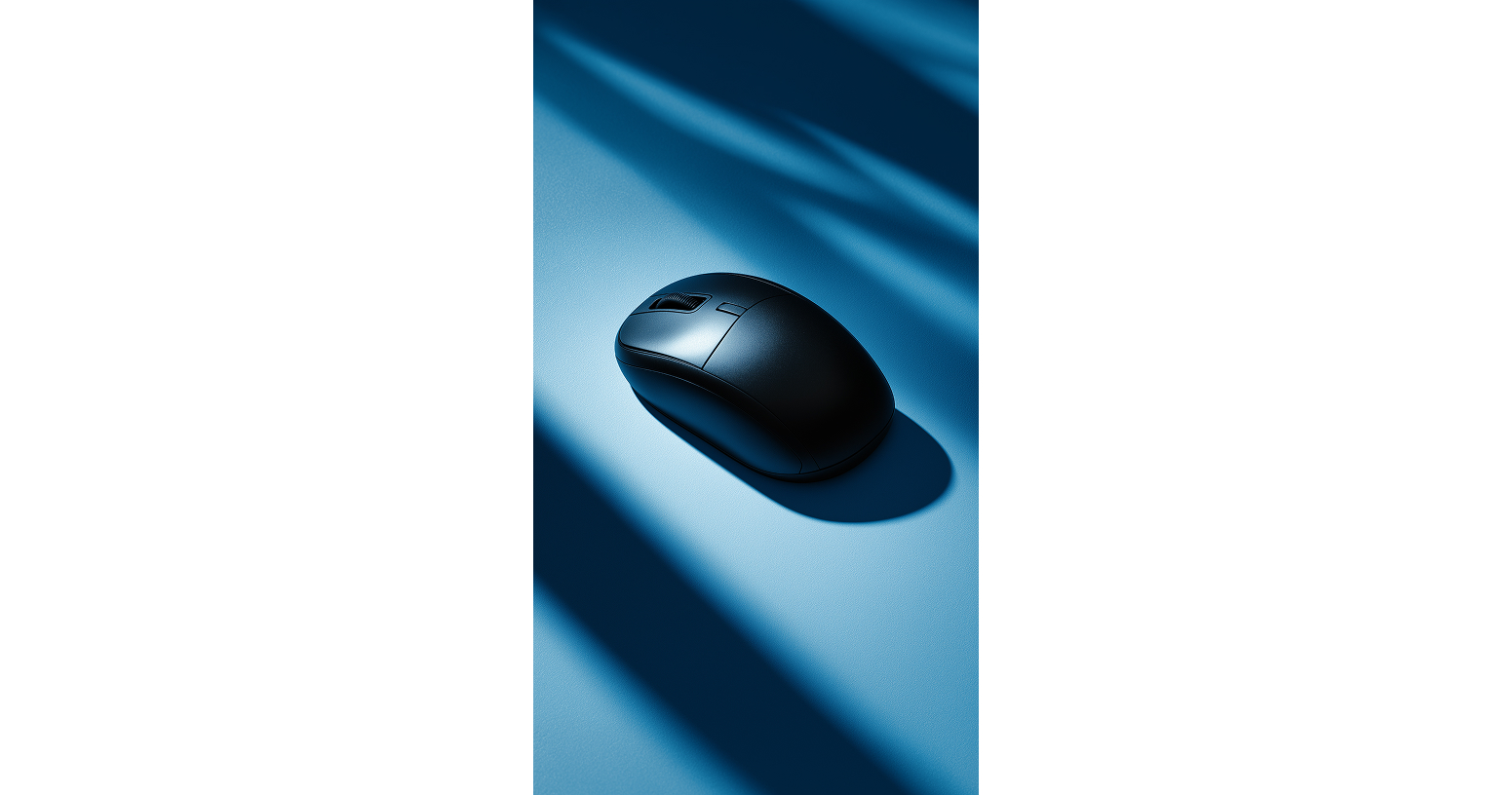
(4)Prompt 4:极简渐变艺术感
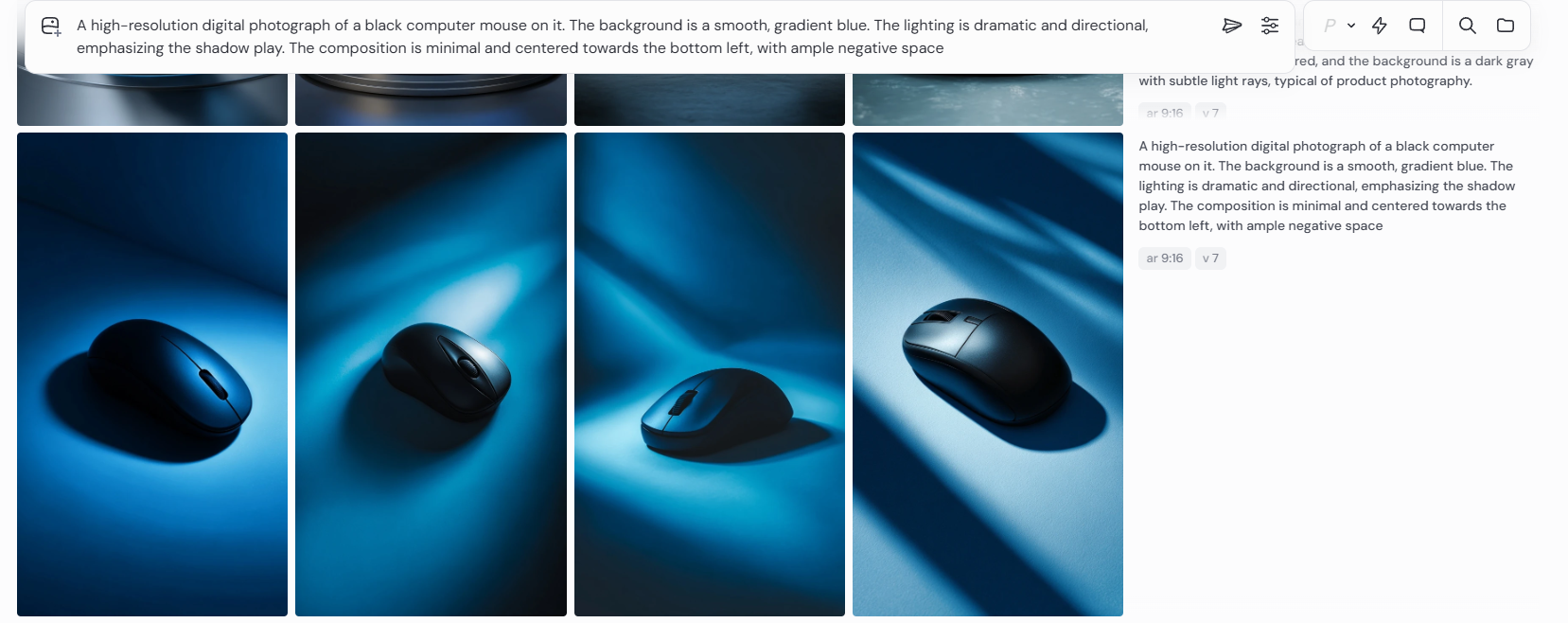
A high-resolution digital photograph of a black computer mouse on it. The background is a smooth, gradient blue. The lighting is dramatic and directional, emphasizing the shadow play. The composition is minimal and centered towards the bottom left, with ample negative space
步骤 2:即梦 4.0 & Nano Banana—— 首尾帧制作
使用即梦4.0
上传图片输入提示词
“变成高对比黑白的氛围”
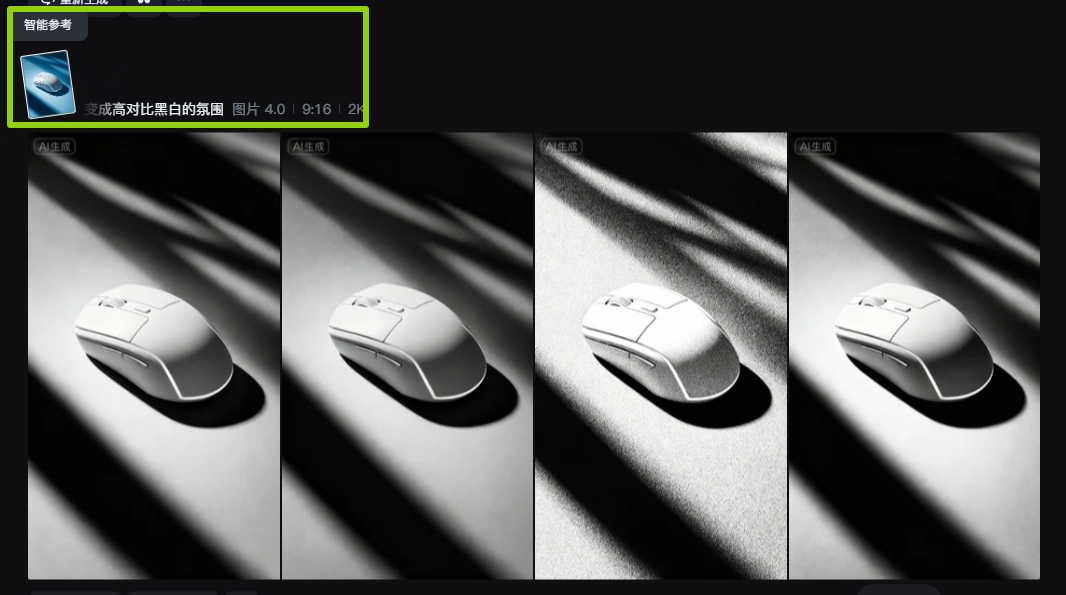
选择一张合适的作为视频生成的首帧,原图作为尾帧
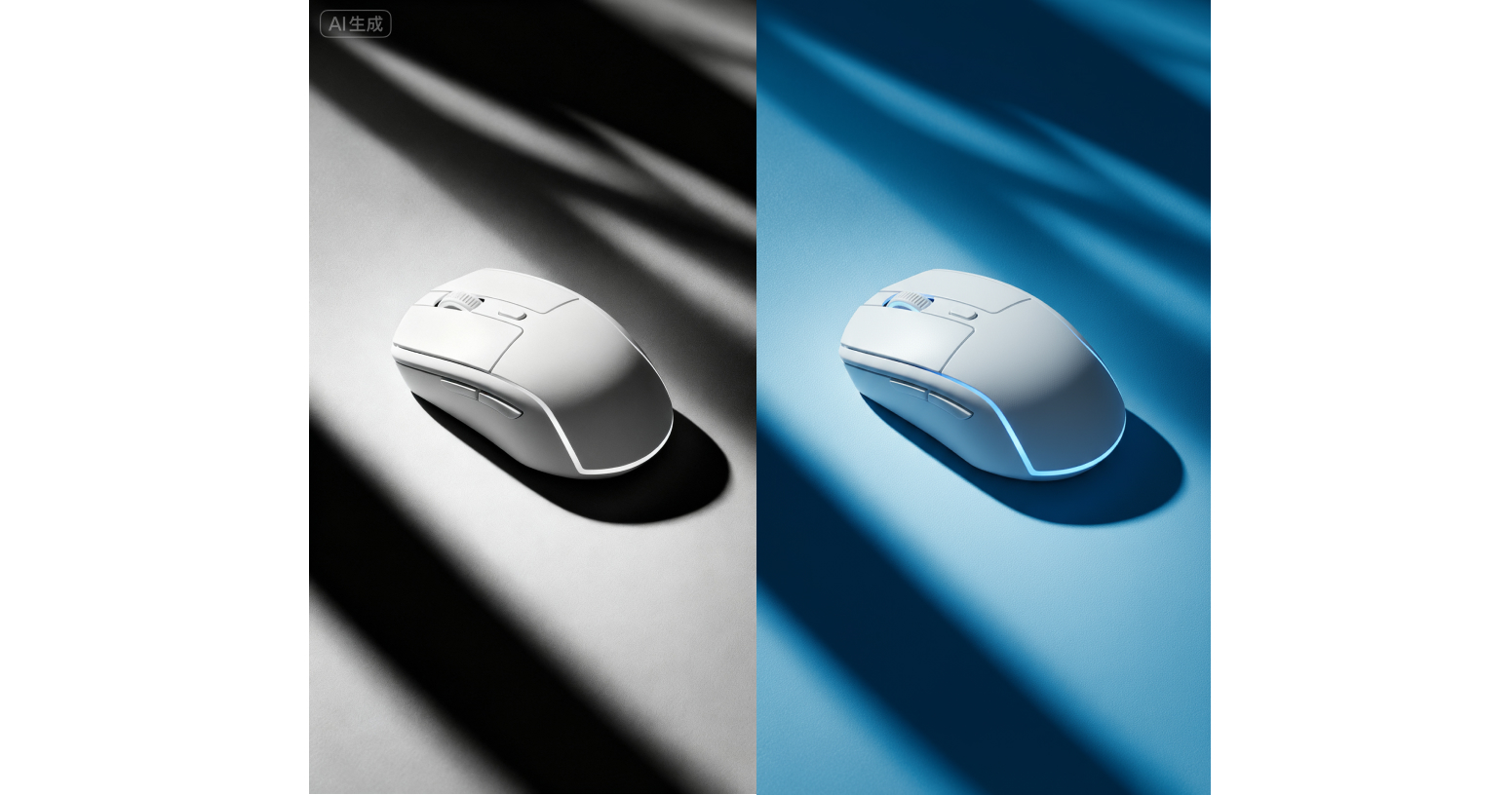
其余俩张首尾帧制作方法相同,只需略微修改提示词
“去掉鼠标只剩背景”
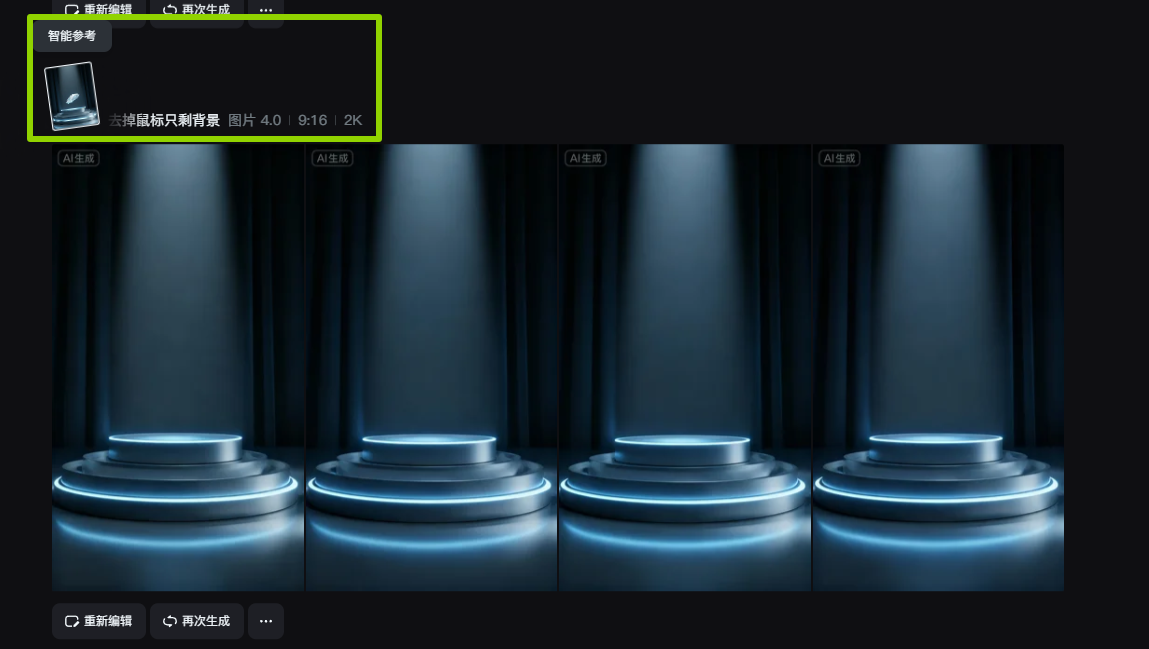
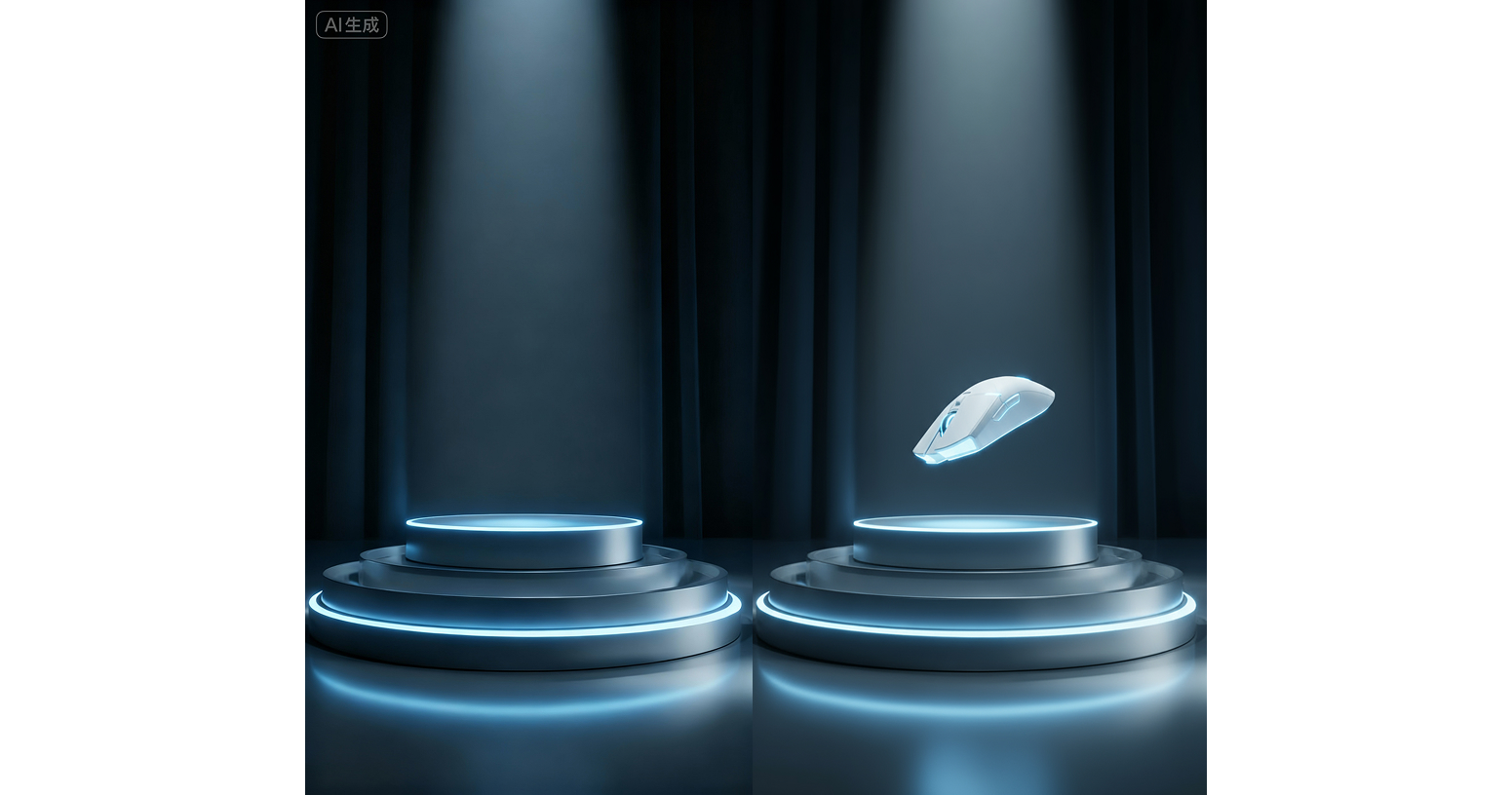
输入提示词
“去掉手只剩鼠标”
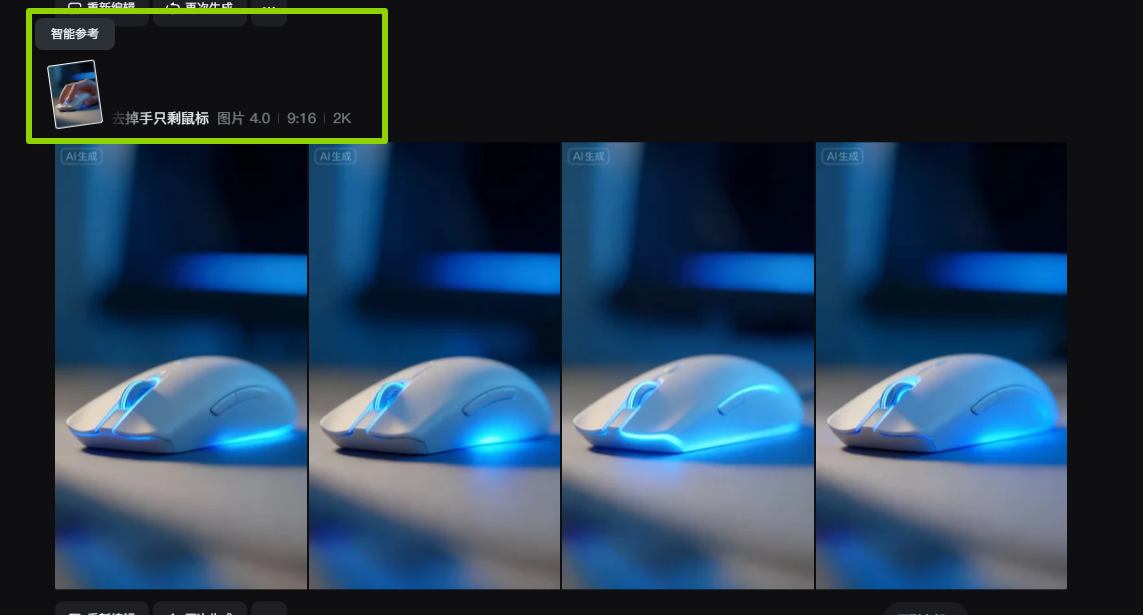
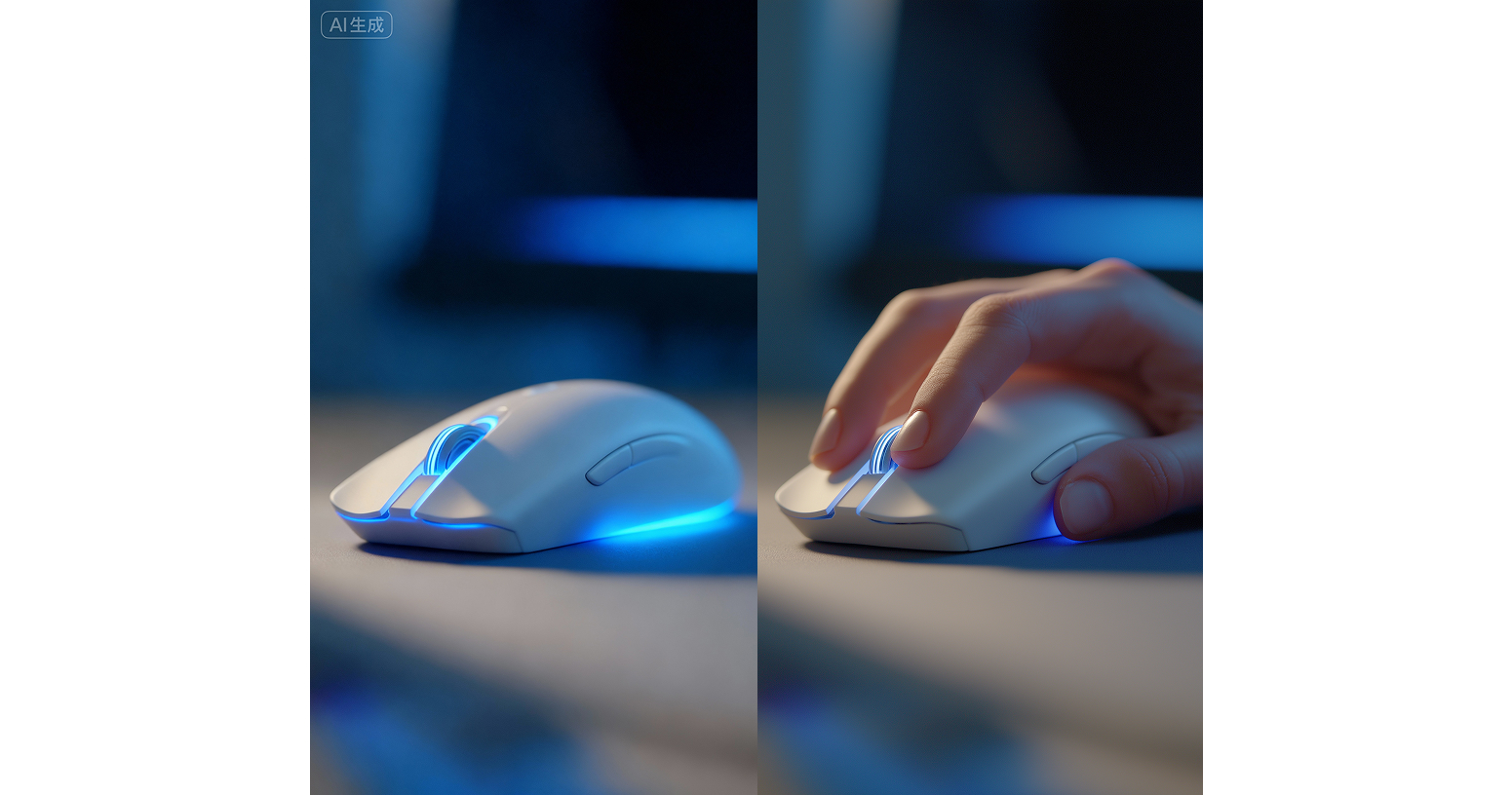
步骤 3:AI 生成视频 —— 让静态图 “动起来”
分镜1
核心逻辑:镜头环绕运镜,突出鼠标纹理、滚轮、线材等精密细节,搭配电影级打光强化质感。
参考 Prompt:
Close up view of a sleek white gaming mouse featuring textured side grips, a detailed scroll wheel, and a braided cable, resting on a dark, glossy reflective surface. Cinematic lighting accentuates the mouse’s smooth contours and premium build quality. Generate a video with the camera performing a smooth forward dolly shot, gradually pushing in to emphasize the intricate details and precision crafted design of the gaming mouse. Style: photorealistic, high resolution, cinematic depth of field, with sharp focus on the mouse throughout the forward motion
效果:模拟 “镜头逐步贴近鼠标”,让纹理、滚轮等细节 “逐渐清晰放大”,适合展示精密工艺与局部设计。
分镜2
核心逻辑:环绕运镜,用强对比打光突出纹理与结构层次。
参考 Prompt:
Close up shot of a sleek white gaming mouse with textured perforated side grips, a detailed scroll wheel, and a side button, set against a dark background. Generate a video where the camera performs a smooth downward panning motion, gradually moving down to showcase the intricate structural details and premium build quality of the gaming mouse (from the upper part to the lower part). Style: photorealistic, high resolution, cinematic lighting with strong contrast to highlight the mouse’s texture and smooth surfaces, keeping sharp focus on the mouse throughout the downward movement.
效果:镜头 “从上到下扫过” 鼠标,完整展示 “顶部按键→侧握纹理→底部结构” 的层次,适合体现整体结构设计与纹理细节。
分镜3
核心逻辑:首尾帧实现 “黑白→蓝色” 的色彩渐变过渡,光线动态流动,用色彩转变强化视觉情绪。
参考 Prompt:
“Create a smooth transition where the color palette shifts gradually from monochrome to vibrant blue, with light rays dynamically flowing and changing throughout the sequence. Emphasize the gaming mouse’s sleek design, smooth surfaces, and structural details, maintaining photorealistic quality. The lighting should evolve naturally, with shadows and highlights adjusting in sync with the color transition, delivering a cinematic and tech stylish visual effect.”
效果:从 “冷峻黑白质感” 渐变到 “科技蓝氛围”,用色彩和光线变化强化风格化产品展示的情绪转变。
分镜4
核心逻辑:光线自身流动、旋转、发光,像 “流体” 一样环绕鼠标,突出轮廓与科技感氛围。
参考 Prompt:
a sleek white gaming mouse with subtle blue accent lighting, set against a dark background with dramatic, flowing light beams. Create smooth and dynamic light transitions--let the light rays shift, swirl, and glow fluidly across the scene, emphasizing the mouse’s contours and the atmospheric depth. Maintain photorealistic quality, with the lighting movement feeling natural and cinematic, so that light interacts with the mouse’s surface to highlight its design details throughout the video.
效果:用动态光线烘托 “科技感氛围”,适合强调产品氛围感与视觉冲击力的场景。
分镜5
核心逻辑:从 “空展示台” 过渡到 “鼠标逐渐出现并 360° 旋转”,搭配动态光线环绕,模拟 “产品登场” 的仪式感。
参考 Prompt:
Generate a video with the first frame being an empty, futuristic circular podium with blue neon lighting accents (set against a dark, moody background with soft light beams). The final frame features a sleek white gaming mouse with subtle blue LED details, floating above the podium and rotating smoothly. Create a smooth transition where the gaming mouse gradually appears, performing a controlled 360 degree rotation. Meanwhile, let blue light beams and neon glows flow dynamically around the scene, interacting with the mouse’s surface to highlight its sleek contours. Maintain a cinematic, high tech aesthetic with photorealistic rendering, ensuring the light movement feels natural throughout the animation.
效果:360° 旋转完整展示鼠标 “全角度外观”,适合新品亮相、全维度设计讲解的场景。
分镜6
核心逻辑:手逐渐出现并握住鼠标,光线动态流动突出 “手鼠互动” 的细节与真实感。
参考 Prompt:
The final frame shows a human hand gently grasping the mouse. Create a smooth transition: a hand gradually appears and naturally wraps around the mouse, while the blue lights (on the mouse and in the background) flow dynamically, with subtle light ripples and shifts to highlight the interaction between the hand and the mouse. Maintain photorealistic detail, cinematic lighting, and ensure the light movement feels fluid throughout the animation.
效果:展示 “用户使用场景”,让产品更具实用性与代入感,适合体现 “人体工学、使用体验”。
分镜7
核心逻辑:镜头向上环绕跟踪鼠标,从 “底部→侧部→顶部滚轮” 完整扫过,突出全角度轮廓与局部细节。
参考 Prompt:
Generate a video with this image as the first frame: a sleek silver gaming mouse with a blue LED lit scroll wheel, positioned on a dark, textured surface under cinematic lighting. Create a smooth upward circular tracking shot that (orbits) the mouse, maintaining sharp focus on the mouse at all times. Highlight the mouse’s sleek contours, the detailed scroll wheel, and the premium build quality with dynamic light interactions as the camera moves. Style: photorealistic, high resolution, with cinematic depth and lighting.
效果:镜头 “环绕向上” 扫描鼠标,全维度展示外观,适合产品全角度设计讲解。
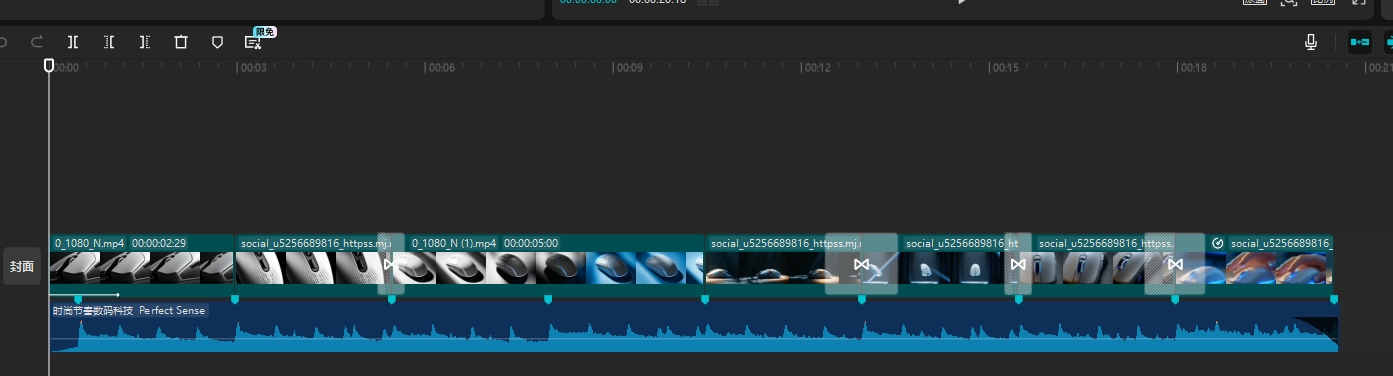
步骤 4:剪辑收尾 —— 整合 “最终成片”
用剪辑工具(剪映、Premiere 等)导入 AI 生成的视频,进行收尾:
总结
视频生成执行卡
把这节课压缩成一张可执行卡片:看重点、照步骤、避坑,再复制模板直接开做。
这节课不是先追求炫技成片,而是围绕「AI 生成游戏鼠标产品CG全流程」先把主体、动作、镜头和节奏稳住。
按原文节奏走最稳:先吃透「步骤 1:Midjourney 生图+nano banana主体替换」,再把「步骤 2:即梦 4.0 & Nano Banana—— 首尾帧制作」定住,接着处理「步骤 3:AI 生成视频 —— 让静态图 “动起来”」;最后用「步骤 4:剪辑收尾 —— 整合 “最终成片”」收口。
- 先把「步骤 1:Midjourney 生图+nano banana主体替换」里的主体和动作定死。
- 这一段重点看镜头和节奏,别急着炫技。
- 做完「步骤 3:AI 生成视频 —— 让静态图 “动起来”」后,先查连贯性和穿帮。
- 先把「步骤 4:剪辑收尾 —— 整合 “最终成片”」里的主体和动作定死。
- 把「第一步:Prompt:主体」整理成可复制版本,后面直接复用。
- 做完「第二步:使用 nano banana 把鼠标独立出来」后,先查连贯性和穿帮。
不要一上来就生成最终片;先拆镜头、定主体和运动,再逐段生成,否则容易跳轴、穿帮、节奏混乱。
检查主体是否稳定;镜头运动是否明确;前后画面是否连贯;节奏是否服务主题;是否有明显变形或穿帮。
请围绕「AI 生成游戏鼠标产品CG全流程」帮我做一个可直接执行的方案。
我的目标是:【填写你的具体目标】
我的素材/产品/角色信息是:【填写已有素材和限制】

请输出:核心创意、分镜表、每个镜头的画面描述、视频生成提示词、剪辑顺序和成片自检清单。要求主体稳定、动作明确、镜头连贯。